Most resumes are read by software before a person ever sees them. Applicant tracking systems parse your file into structured fields — name, employer, dates, titles, skills — and recruiters then search and filter that database. When people say a resume "failed the ATS", what usually happened is more mundane than rejection by a robot: the parser misread the layout, so the resume landed in the database with half its content in the wrong field or missing entirely. This guide explains what actually breaks, and how to fix it.
What an ATS really does
It is worth being precise, because a lot of advice online is based on a myth:
- It parses, it does not judge. Most systems do not score or auto-reject your resume. They extract text into fields so a human can search them.
- Recruiters search the database. They filter by keyword, title, and location. If your skills did not parse into the skills field, you are absent from those searches.
- Ranking is usually advisory. Some systems suggest a match score, but a recruiter still decides. A perfect score does not get you an interview.
- The failure mode is invisibility, not rejection. You are not told your resume parsed badly — you simply never appear in the shortlist.
What actually breaks resume parsing
| Problem | What goes wrong | Fix |
|---|---|---|
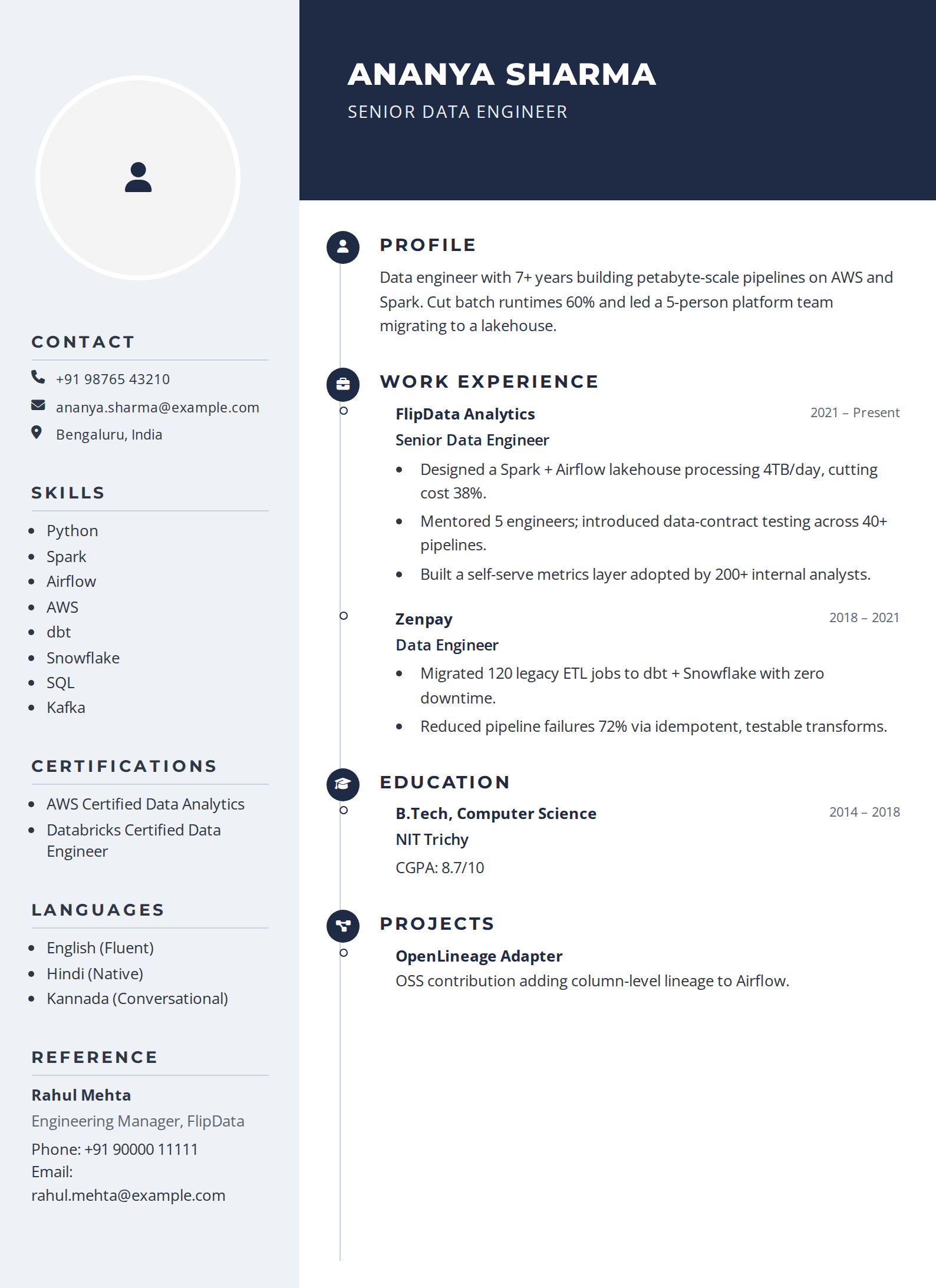
| Multi-column layouts | Text is read left to right across both columns, interleaving unrelated lines | Use a single-column layout, or a sidebar only for non-critical detail |
| Text inside images | Not extracted at all — the content simply does not exist | Never put contact details, skills, or dates in an image |
| Text boxes and shapes | Frequently skipped by parsers depending on the engine | Keep all content in the document body |
| Headers and footers | Often ignored, and contact details are commonly placed there | Put your name, email, and phone in the body of page one |
| Tables for layout | Cells can be flattened in an unpredictable order | Use plain paragraphs and bullets for anything that matters |
| Creative section names | "Where I've Made an Impact" does not map to a known field | Use standard headings: Experience, Skills, Education |
| Unusual date formats | Employment dates fail to parse, so tenure looks blank | Use a consistent "Mar 2022 – Present" style |
| Icons instead of labels | An envelope glyph does not tell a parser it is an email | Keep a text label alongside any icon |
Choosing keywords without stuffing
Keyword matching is real, but the advice to "add keywords" is routinely taken too far. A workable method:
- Copy the job description into a blank document and mark every technology, methodology, and named skill.
- Cross out anything you cannot honestly claim. This is not optional — an interviewer will probe it.
- Of what remains, choose the 8–12 most central terms.
- Place each one where it belongs naturally: in a skills group, or inside an experience bullet that describes the work.
- Use the posting's exact wording for the important ones. Parsers match strings, so "CI/CD" and "continuous integration" are not interchangeable — include whichever the posting uses.
Never paste white text or a hidden keyword block. This advice circulates persistently and it is actively harmful: hidden text is trivially visible when a recruiter opens the file or views the parsed output, and it reads as an attempt to deceive.
File format: PDF or Word?
Submit a PDF unless the posting or application form asks for .docx. Modern systems parse PDFs reliably, and a PDF preserves your layout everywhere. Two caveats worth knowing: a PDF exported as an image (from a scan or some design tools) contains no extractable text at all, and some older enterprise systems still prefer .docx — when a form explicitly requests it, follow the instruction rather than the general rule.
A five-minute self-check before you apply
- Copy and paste your resume into a plain text editor. This is the single most revealing test — roughly what the parser sees. If the order is scrambled or content vanishes, fix the layout.
- Confirm your contact details survived and are in the document body.
- Check every date is present and consistently formatted.
- Search the text for your five most important keywords. If they are missing, they are missing from recruiter searches too.
- Name the file sensibly —
firstname-lastname-resume.pdf.
Or run it through our free ATS resume checker, which shows how the parser reads your file and which keywords from a job description you are missing.
Where ATS advice goes wrong
- "You need a plain, ugly resume." False. A well-designed single-column resume parses perfectly well — design is not the enemy, unusual structure is.
- "75% of resumes are rejected by ATS." This figure is repeated everywhere and has no credible source. Most systems do not auto-reject at all.
- "Match 100% of the keywords." Chasing a match percentage produces unreadable resumes. A human still reads it after the search.
- "Use every synonym." Stuffing variants of the same skill makes the resume worse to read for the person who ultimately decides.
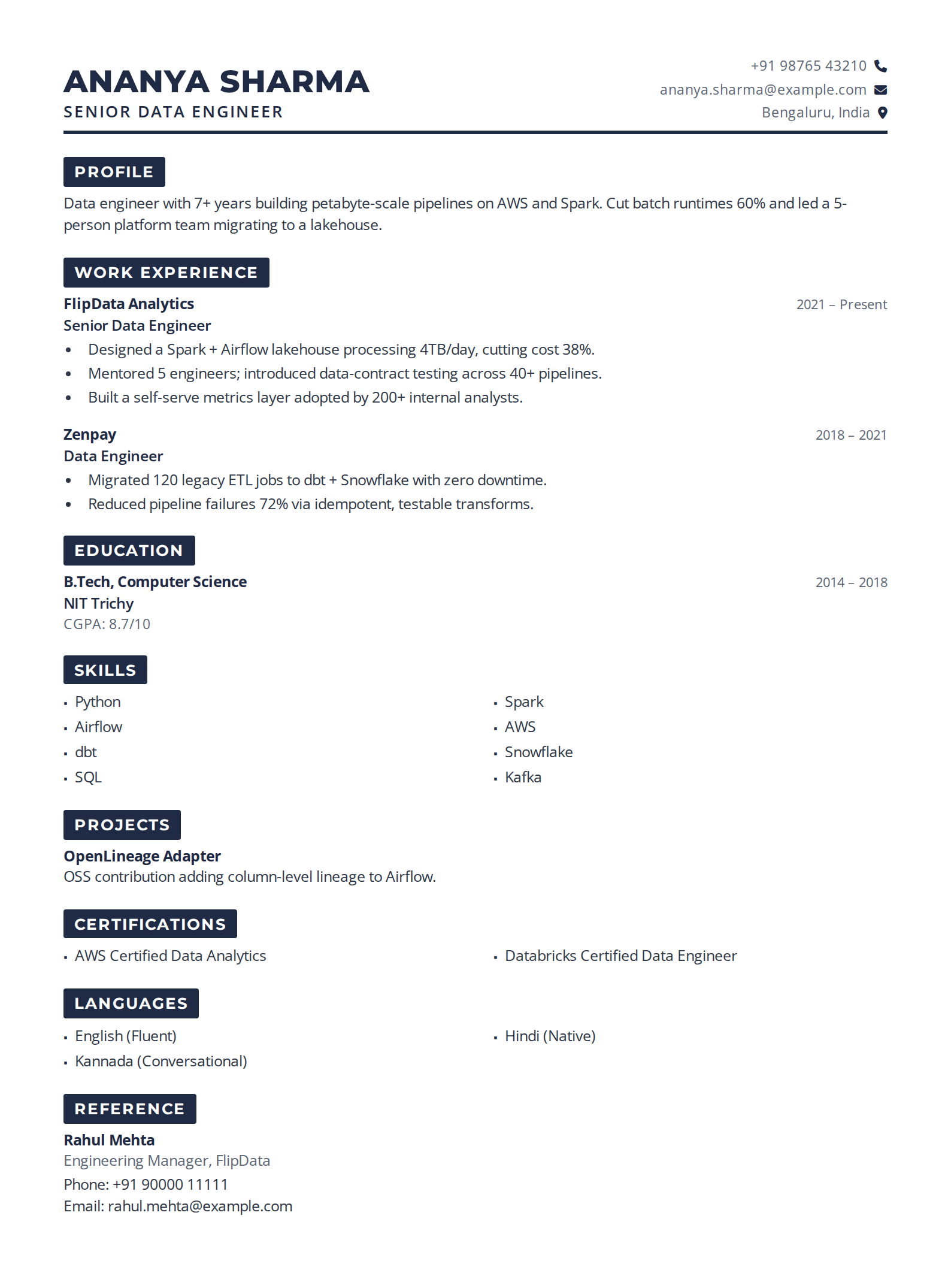
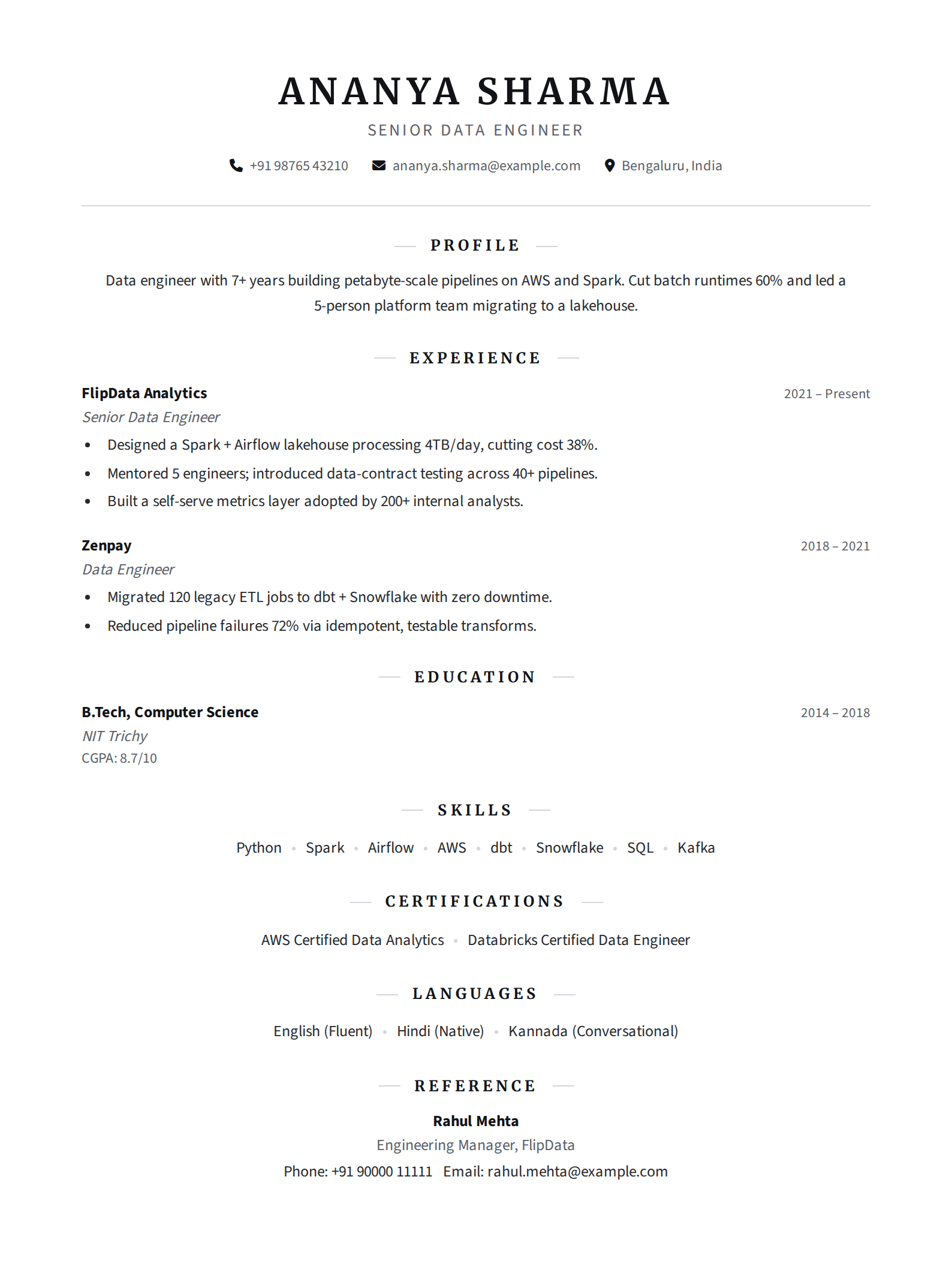
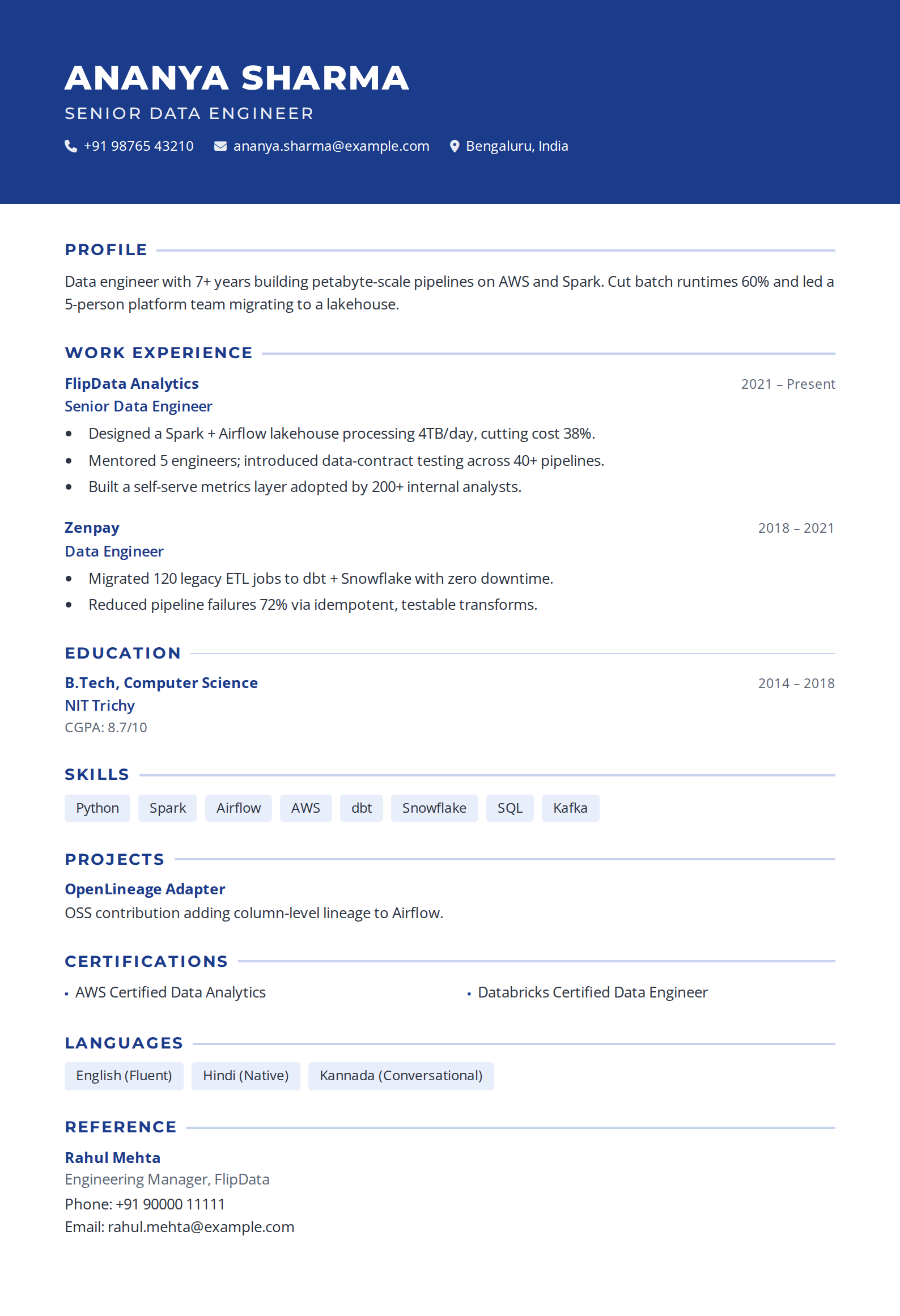
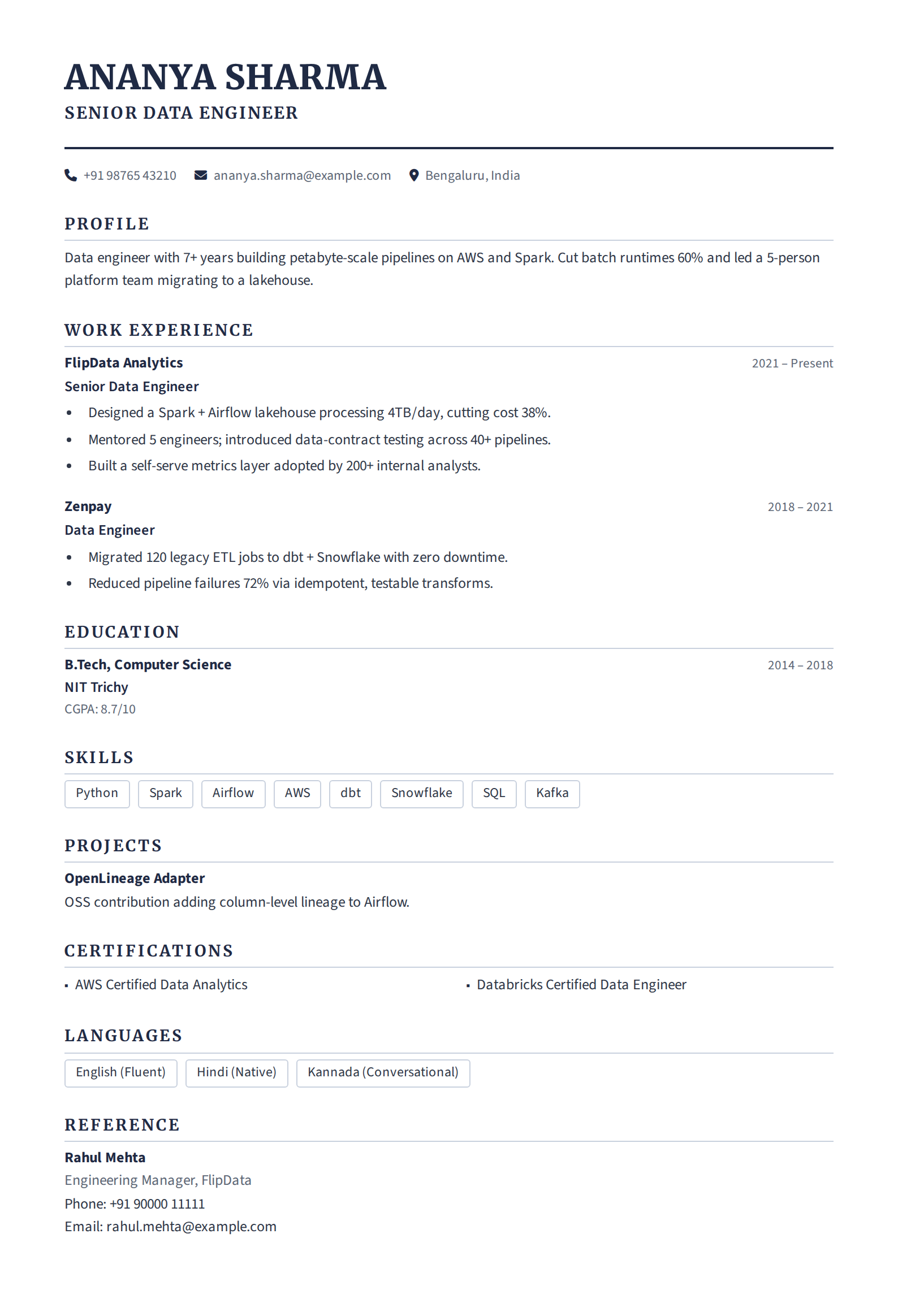
Getting this right is mostly about removing obstacles, not gaming a system. A clean single-column layout, standard headings, honest keywords, and a PDF will clear virtually every parser you meet. Pick an ATS-friendly template below and the formatting is handled for you.
 Continue with Google